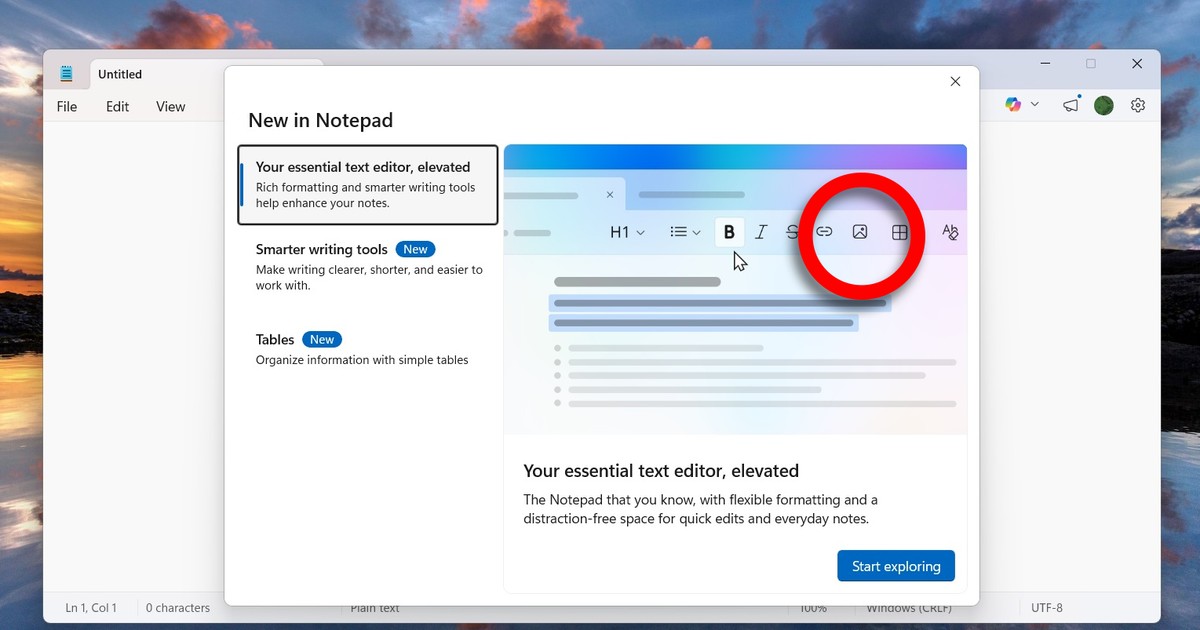
It all started with an email sent to Windows Insiders. Inside – a screenshot from an unpublished version of Notepad. There is a new icon on the toolbar: “insert image”. Clicking will most likely allow you to add some graphics to your text – just like it used to work in WordPad. This is not a minor fix, but another step in a plan that is already clear – Microsoft wants to regain the popularity of WordPad, but in Notepad.
Let us remind you: WordPad retired in Windows 11 24H2. Instead of leaving two applications – one ultra-simple, the other slightly richer – Microsoft decided to make Notepad… a successor to WordPad. It had already added full support for formatting tools (bold, italics, links), then tables, text strikethroughs, tables and even AI tools (“Write”, “Rewrite”, “Summarize”) were added. Now a graphic is added to this set. Logical, right? Except that no one seemed to want that in this ultra-simple program.
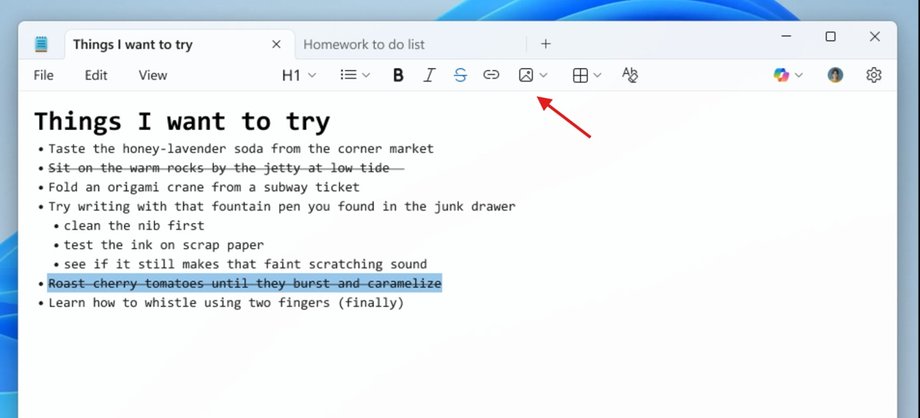
Graphics Notepad
There is a storm going on on the Internet: “why do I need photos in Notepad when I have Paint, Cutting, OneNote, Google Docs, LibreOffice and seven other programs?” asks a collective of internet users.
- Read also: Windows 11 will get a feature we've been asking for for years. Microsoft gave up
And they're right. Notepad's strength has always been that it was lightweight, opened in a split second, didn't ask for a Microsoft account, didn't bombard us with options and notifications, and didn't take up 2GB of RAM. He just was. And now it is slowly becoming… something like a mini-Word.
Notebook as a notebook?
On the other hand – and here I have to give Microsoft a point – there are situations where it might make sense if we start treating Notepad like… a notebook. Are you brainstorming for a new project? You post a screenshot of the prototype, a photo of the board from the meeting, a meme that perfectly reflects the atmosphere…
Are you planning to renovate your apartment? Notes, plus photos and a quick sketch. Or you just want to have all the materials in one file, without jumping between applications. In an era when we all take notes using screenshots, links and photos from our phones, such functionality is not completely pointless.
- Read also: Microsoft wants to fix Windows 11. 2026 is supposed to be a breakthrough for the system
Except… that's right. “It doesn't make complete sense” is not the same as “it was necessary”. Or that we needed a change in an application that was never used for this purpose. The notebook wasn't broken. It didn't require any changes. It was Microsoft who shouted “let's think ahead” and started packing features into it that no one asked for. Classic case: a company takes something simple that has been working since 1985 and decides to “improve” it to the point where it is no longer what it was.
I wonder what will happen next. Maybe next year Notepad will get charts? Or a “generate meme from my notes” button? All in the name of “replacing WordPad”, combined with inserting Copilot and AI functions wherever possible. And we will sit and remember the times when Ctrl + N opened a clean, white screen without any icons that try to force us to live.
Microsoft gives. Nobody asked. But we get it. And somehow we have to live with it – until the next “revolution” in the simplest program in the world.