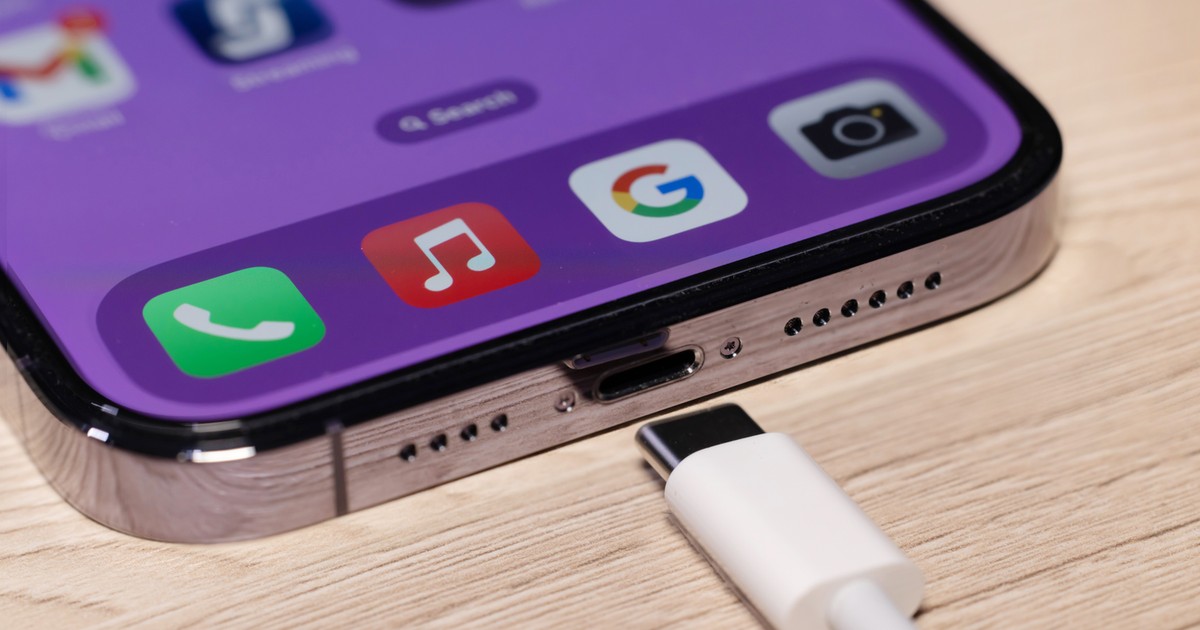
Poor iPhone battery health can lead to unexpected shutdowns. Users of Apple's flagship product often look for the causes of problems, which may result from several factors: from battery health, through applications running in the background, to screen brightness settings and push notifications.
Battery life is one of the most important parameters of every smartphone. Appropriate energy management allows you to use the device longer without having to charge it.
Why does my Apple iPhone discharge quickly? Causes and solutions
Apple itself encourages you to check the battery status on its support website. The message “Service” may appear in the phone settings, which clearly means that it is worth considering replacing it.
Batteries have a limited lifespan and their capacity decreases over time. In the iPhone settings, the user will also find the “Battery” and “Battery Status” sections, where you can check its maximum capacity.
See also: Tim Cook is leaving. Apple's new CEO will take over at the worst possible time
If the percentage is significantly lower than 100 percent, the battery may need to be replaced. Apple recommends using authorized service centers – a new battery means better performance and fewer problems, especially in winter.
iPhone battery drains too quickly? There may be many reasons
The need to replace the battery is a simple solution to the problem – the cause of the device's rapid discharge is immediately known and can be easily eliminated.
However, if the battery seems to be in a condition that does not require replacement, then the search for reasons for iPhone malfunction is based on the elimination of factors that should bring the expected result.
In the mentioned “Battery” section, iPhone users will find a daily usage chart and suggestions on how to extend battery life, e.g. turning on automatic brightness or auto lock.
How to care for your iPhone battery so that it works without problems?
Applications running in the background, high screen brightness and numerous push notifications are the main battery eaters. According to Apple's website, it is worth limiting application refreshing in the background, reducing screen brightness and turning off unnecessary notifications. It is also helpful to shorten the automatic screen lock time.
See also: A surprising decision by Apple. The end of the fashionable version of the iPhone 17 Pro
As Apple points out, sometimes outdated software that is not optimized to save energy is responsible for iPhone battery problems. Therefore, it is worth updating the iOS system and applications regularly to take advantage of the latest fixes and improvements. This is an easy way to extend your battery life and improve your phone's performance.