You have probably entered your name and surname into the Google search engine. Most likely because you were curious about what information about you is available in this most popular Internet search engine.
Sometimes you may be surprised how much of your data can be found there. Telephone numbers and addresses that we once provided when selling products at auctions, and even photos from several years agowhich Google for some reason archived from the database of websites such as Fotka, Grono or another Nasza-Klasa.
It is known that wherever Google bots go, they can collect and display data from there. This means that we should treat every file and every piece of information posted on the Internet as potentially discoverable with the simplest search.
But what if we don't want our photos, phone numbers or other data to be displayed? Then we can “ask” Google to hide them. And for this we will use a simple tool, available from the Google application.
Read also in BUSINESS INSIDER
Search results for information about you
This tool is available to all people with a Google account. To run it after logging in to the mentioned application, click on our account icon in the upper right corner and find the option on the list. “Search results for information about you”. This is where we will manage the information available about us.
Deleting data on Google
| Bartłomiej Sieja / BI
To start using the tool, it is of course necessary to link your account with your real name. Importantly, you can use several different forms for this, for example if someone can use a diminutive of your name or nickname.
Deleting data on Google
| Bartłomiej Sieja / BI
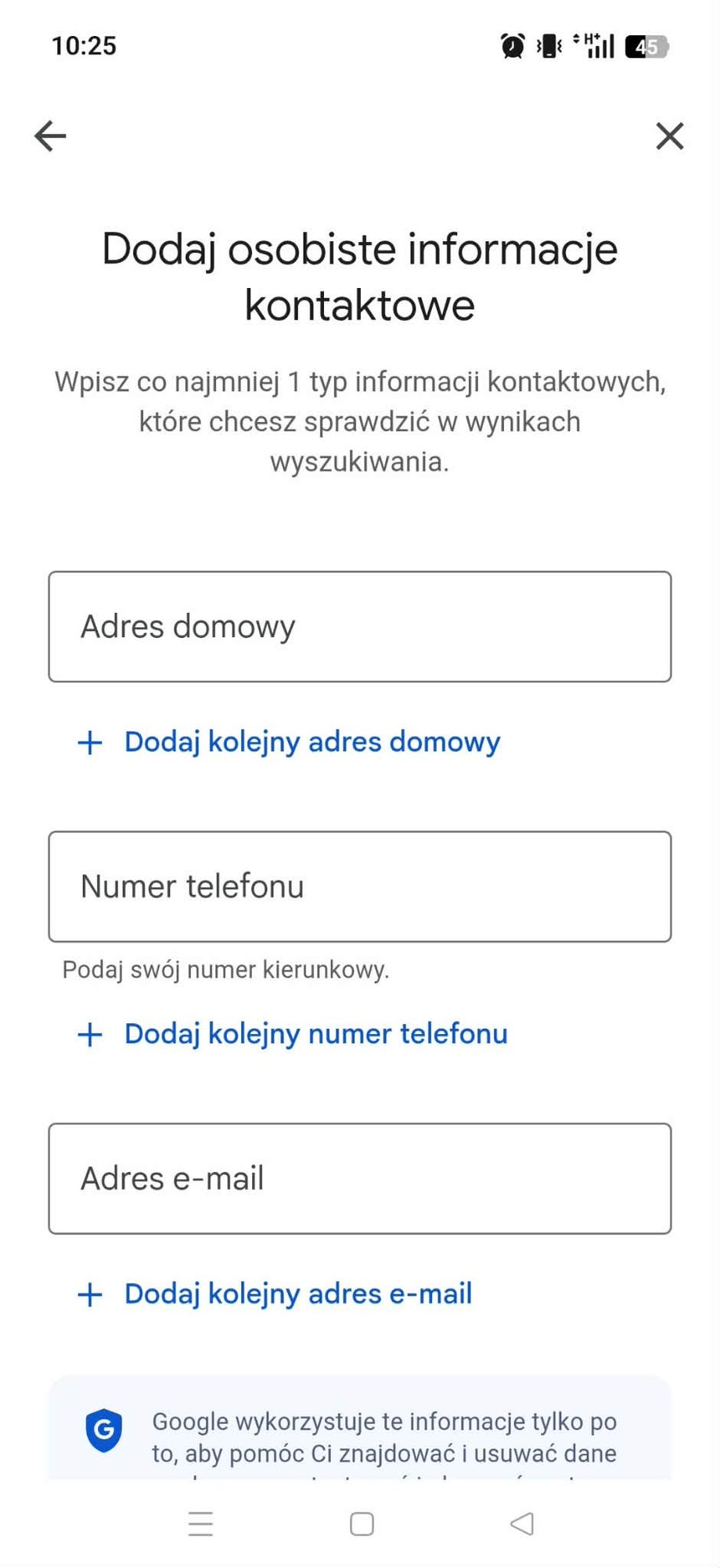
In the next step, you can determine what other data associated with your name you want to check. This may be your home address, telephone number and email addresses.
Deleting data on Google
| Bartłomiej Sieja / BI
In the next step, you just need to confirm your data for Google to start scanning the search results for them. The first scan usually takes up to 6 hours.
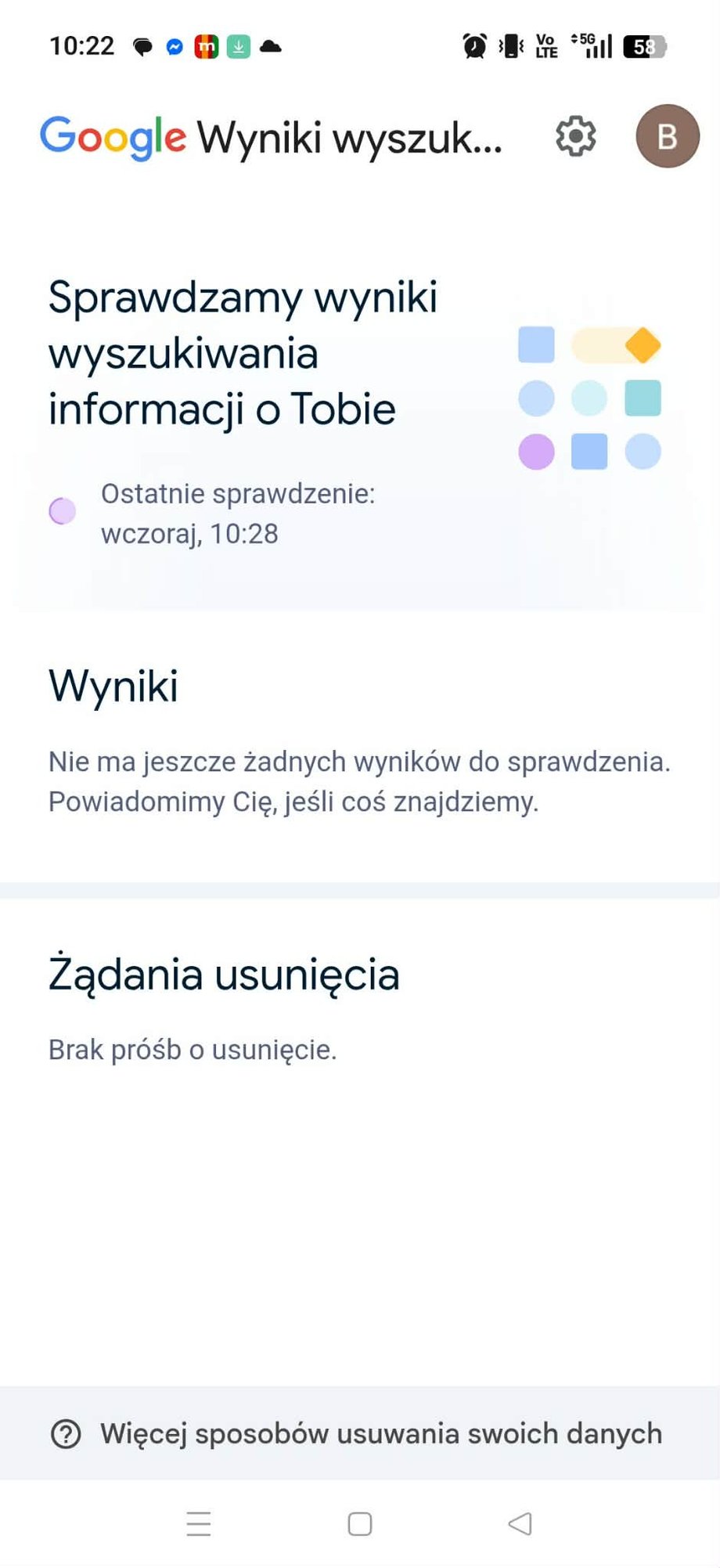
You can receive information about the found results via e-mail or directly in the application.
Deleting data on Google
| Bartłomiej Sieja / BI
How do I delete my data from Google?
When the scanning is finished, you will receive information about which data related to you was found in the Google search results. We'll find it here data that we have previously associated with our name and surname.
Deleting data on Google
| Bartłomiej Sieja / BI
From here you can review each result and request removal directly in the app. You can also manually submit a takedown request if you come across sensitive information yourself. Google will then review these requests and remove results that violate its policies.
How do I remove my photos from Google?
You also have the right to request that your photos be removed from Google search results.
To do this, you need to find such a photo in the search results. Then expand the menu in the upper right corner and select the “Delete result” function.
Deleting data on Google
| Bartłomiej Sieja / BI
The next page will ask you to explain the reason for requesting the result to be removed.
It is worth noting that the photo will not be deleted automatically – your request will have to be recognized as valid, and we will have to recognize the rights to the image in this photo.
Read also: Forget about how you used the Internet so far. Google Chrome is introducing the biggest change in its history
However, if your request is fulfilled, Google will prompt you to mark similar results in the application so that it can remove more unwanted search results with your photos at once.
Removal from Google is not removal from the Internet!
Finally, one more important thing that may seem obvious, but you must remember that Google is not the entire Internet. The fact that we remove a photo or information from Google search results does not mean that this information disappears from the Internet. They will still appear on the websites/servers where Google bots found them, but they will simply omit them from search results.
This means that if we have removed the compromising photo from Google, it can still be found both at the source and using other search engines.
I’m Ashley Davis as an editor, I’m committed to upholding the highest standards of integrity and accuracy in every piece we publish. My work is driven by curiosity, a passion for truth, and a belief that journalism plays a crucial role in shaping public discourse. I strive to tell stories that not only inform but also inspire action and conversation.