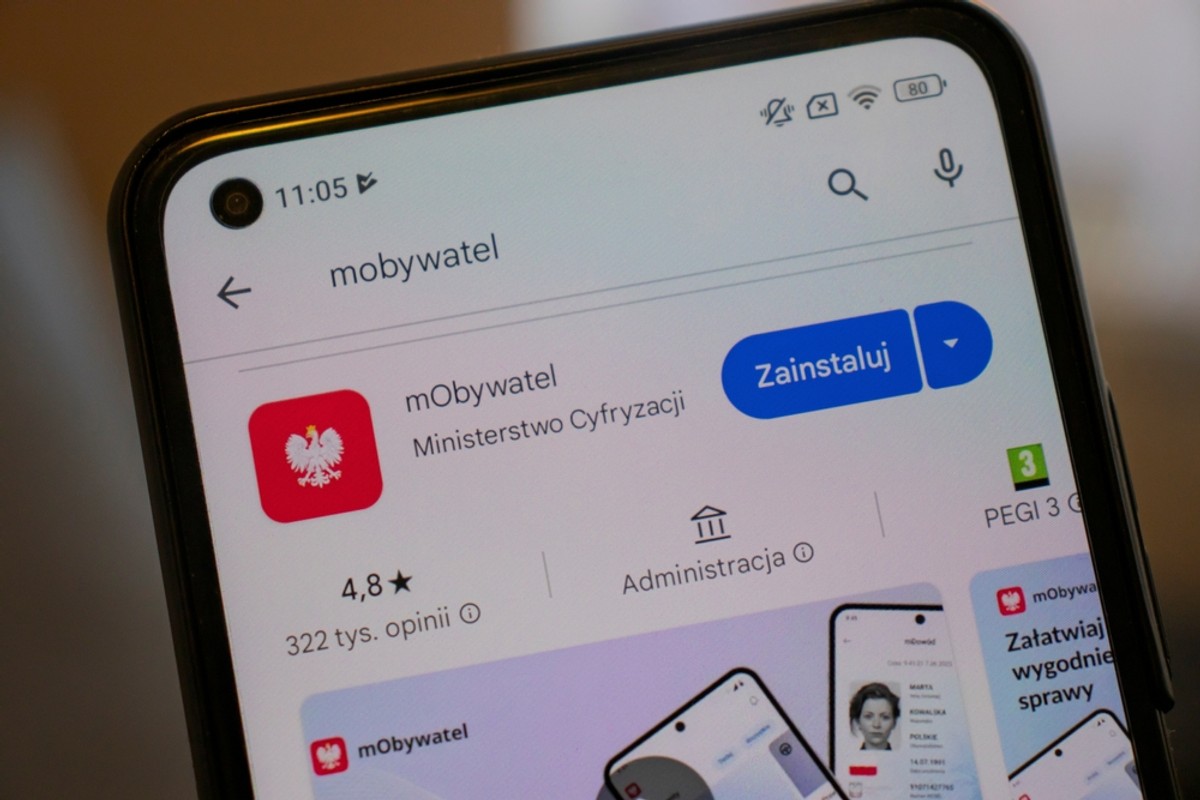
mob with a new function. The Ministry of Digitization has announced that users can now perform themselves photo down ID card using a smartphone, and the application assess whether the photo meets the requirements.
Until now, taking a photo for an ID card was associated with a visit to a photographer. Now all you need is a smartphone and a mobiator application. In the latest version (4.66.0 or higher) a tool appeared that will take the user step by step through the process of creating a photo in accordance with applicable requirements.
The function has been integrated with a catalog of services “dealing with the matter”, which allows, among others Fast submission of applications for ID. Thanks to this, users can take a picture at once and send an application – all within one application.
Photo for an ID card. How to do? Requirements
The MOBKITNA application offers tools that help in preparing the photo. Here's what to look for:
1. Back: The photo should be taken on a bright, uniform background. It can be, for example, a white wall.
2. Setting the head: The application sets the area in which the face should be found. When the setting is correct, the indicator turns green, which means that you can take a photo.
3. Photo verification: After taking a photo, the application will analyze them and indicate any errors. If something is wrong, the user will receive tips on how to improve photography.
If the photo still does not meet the requirements, you can take it again or choose another photo saved in the phone's memory.
Application for proof and photo by the MOBKI Citizen
The Ministry of Digitization emphasizes that the goal is to make life easier for citizens and simplify administrative procedures.
Although the application helps in preparing a photo, the final decision to accept it belongs to the official. He will check if the photograph meets all formal requirements. It is also worth remembering that in the case of photos with a headgear or dark glasses, you should attach documents confirming the right to such appearance, e.g. a disability certificate or a document related to belonging to a religious community.