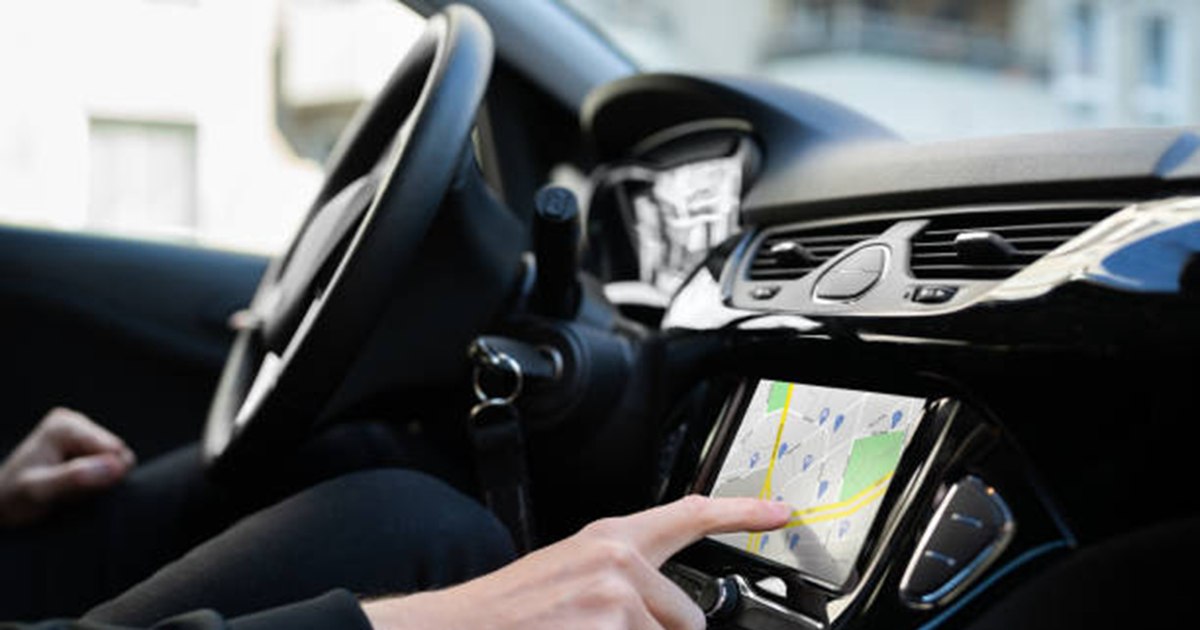
The popular Waze navigation application hides some extremely useful functions, ignored by many drivers. Discover how you can avoid traffic, find parking or even browse with your own voice for a much better steering wheel experience.
Hidden Waze functions that drivers ignore photo: Istock
Waze, the navigation application owned by Google, is one of the most popular alternatives to Google Maps. Its success is based on community contributions: drivers report traffic conditions, accidents, dangers and closed roads. However, beyond the usual functions, the application hides some extremely useful options, which many users do not use, writes Slash Gear.
Go on the road at the optimal time
Most drivers open the application only when they are ready to leave, but this can lead to traffic jams and delays. The function “Plan a trip” solves the problem, showing you exactly when it is best to start to arrive on time.
You just have to enter the destination and the desired arrival time, and Waze calculates the optimal departure, depending on traffic. The app sends even notifications when it's time to leave.
Connect your calendar for automatic notifications
If you find it complicated to manually plan every road, Waze gives you the opportunity to connect the application to Google Calendar (on Android) or Apple Calendar (on the iPhone).
Thus, the events with location and time fixed are imported automatically, and the application sends you reminders to start on the road. All future trips will appear in the “future” section of Waze and you will receive notifications according to the chosen settings.
Navigation with your voice
If the standard voice in the app you do not like it, Waze allows you to create a personalized voice. You can register navigation commands yourself or a loved one, turning driving into a more pleasant and fun experience.
The function is found in the “Settings” menu, then in the “voice and sound” section, where you have to enter “personalized voices”. All you have to do is record the phrases offered by the application and save them.
Parking places available
Another advantage is that Waze shows you the parking spaces available at the destination. The application can display rates, operating program, facilities such as charging stations for electric cars and even the availability of real -time places (where there is data).
You can set the parking lot as a stop on the route or you can search it manually when you arrived. The results can be sorted by price, distance or relevance.
Navigation after GPS coordinates
For roads without official address, Waze offers the opportunity to sail after GPS coordinates. It is enough to enter the values in the search bar, and the application will take you to the desired location.
Moreover, you can activate the real -time display of your own coordinates on the map, using the @coord command in the search bar. The function is useful for increased precision or for the exact sharing of the location with other people.