The KSeF 2.0 Taxpayer application is disappointing. Experts point out the biggest disadvantages

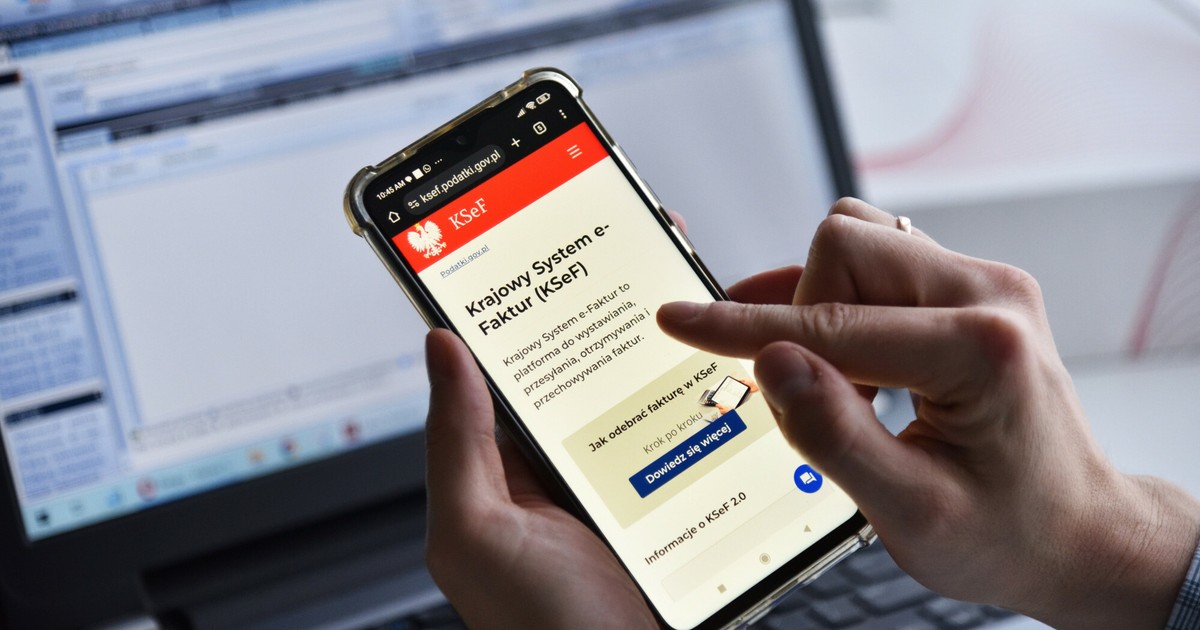
The KSeF 2.0 Taxpayer Application is a free tool created for issuing and receiving invoices in KSeF by the smallest taxpayers. The problem is both the limited capabilities of the application and the way it works. In other words, not everything can be done in it as with commercial programs (they connect to KSeF via the API interface).
We recommend: Do you have a problem with e-invoices? Don't be surprised by the tax office and avoid these mistakes [E-BOOK DO POBRANIA]
The same data must be provided several times
As Konrad Filip Turzyński, tax advisor and partner at KNDP, explains, first, to log in to the application, the taxpayer must provide the Tax Identification Number, and then the same data must be provided when issuing invoices.
— It is a pity that the application, after the taxpayer logs in, does not download data that the tax administration already has. We are not talking about transferring data between ministries or other state institutions, but about data used by the taxpayer, notes Konrad Turzyński.
There is also a problem when issuing invoices in the application
Another problem is that the application does not save any taxpayer data, including seller data. – That means that each time the taxpayer must complete the seller's details, his/her bank account, etc. After all, in business relations, if I constantly served a client and asked him each time to send documents that I had previously worked on, the client would not take me seriously. And in the case of the KSeF Taxpayer Application, we are dealing with exactly such a situation – comments Konrad Turzyński.
Moreover, when a taxpayer wants to enter incorrect data or data of another taxpayer, the system does not allow it, which means that it can detect whether the information completed by the taxpayer is correct.
See also: Errors on the invoice? KSeF loves it. It also happens that the system “loses” invoices
How to deal with loading data into invoices
However, as Andrzej Pałys, tax advisor and director at PwC Polska, explains, this problem can be dealt with. It shows two ways. — The entrepreneur should generate an XML file with his data from the application and save it on his computer, and when issuing another invoice, he should not start from scratch, but by uploading this XML file (“load XML”). The system then fills in a large part of the data necessary to issue an automatic invoice, explains Andrzej Pałys.
The second way – adds the expert – is for the taxpayer to select a similar invoice (option in the application “Submit a similar one”), and then changes the data.
According to Konrad Turzyński, another disadvantage of the Taxpayer Application is that it does not save draft versions. – If the system throws an error at any time when completing the invoice data, and unfortunately it happens, the same steps must be performed several times – explains Turzyński.
According to our interlocutors, the KSeF 2.0 Taxpayer Application requires corrections. Especially since there are also other problems with it.
What invoice corrections can be issued in the KSeF 2.0 Taxpayer Application?
Another problem concerns the issuance of corrective invoices.
Andrzej Pałys explains that there are basically two mechanisms for issuing corrective invoices:
– “was – is” and
— by difference.
– In the first case, the taxpayer indicates, for example, that it was PLN 20, now it is PLN 5, and in the second case, the taxpayer issues a correction invoice for minus PLN 15 – explains the expert.
The problem is that The Taxpayer's KSeF 2.0 application only allows for issuing corrective invoices in accordance with the “was – is” mechanism. — However, KSeF (via API) does not have such a limitation, so correction invoices can also be issued according to the “by difference” mechanism – explains Andrzej Pałys. He also points out that in foreign VAT systems, corrections operate only in the “by difference” mechanism. According to our interlocutor, since KSeF basically allows for both mechanisms, such an option should also be available in the KSeF 2.0 Taxpayer Application, especially since there are sporadic cases when it is impossible to issue a correction in the “was-is” mechanism.
— It is also impossible to issue an invoice with a retroactive date in the KSeF 2.0 Taxpayer Application. This is another problem – says Andrzej Pałys. This is a problem because the Ministry of Finance has allowed issuing backdated invoices offline24. — If a taxpayer uses the KSeF 2.0 Taxpayer Application and logs in, he or she cannot issue an invoice with a yesterday's date in order to meet the deadline for the offline24 mode. The application allows you to issue invoices in KSeF only with the current date, explains the PwC expert.
Therefore, if a taxpayer wants to use the offline24 mode, he or she must use commercial software that connects to KSeF via the API interface.
— If KSeF fails, you can also issue an invoice with a retroactive date only using the API. The Taxpayer's Application does not provide such an option, says Andrzej Pałys.
New functionality. How to report scam invoices
At the end of April, the Ministry of Finance also made available the functionality of reporting “scam” invoices, announced since January. The functionality is available in the KSeF 2.0 Taxpayer Application. Therefore, it is possible to report to the tax administration invoices in relation to which the taxpayer suspects that they are the result of fraud or abuse. How to report an invoice?
The Ministry indicates that a taxpayer who wants to submit an invoice in the application must complete the following steps:
- log in to the KSeF 2.0 Taxpayer Application,
- go to the Invoices and Invoice List tab,
- select an invoice and enter its details,
- use the “Report abuse” option,
- indicate the reason for reporting, supplement the justification and confirm the statement,
- confirm the report by clicking the “Report” button.
The Ministry stipulates that “scam” invoices should no longer be reported via the KSeF Application Form.
Author: Łukasz Zalewski, journalist of the Law section, Business Insider Polska