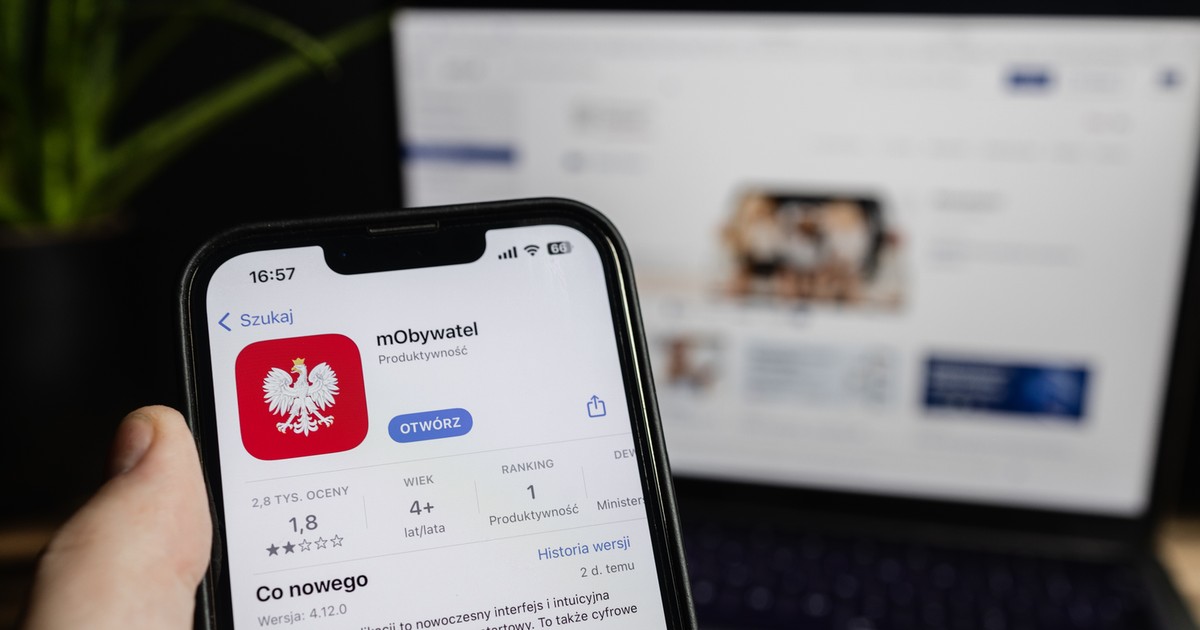
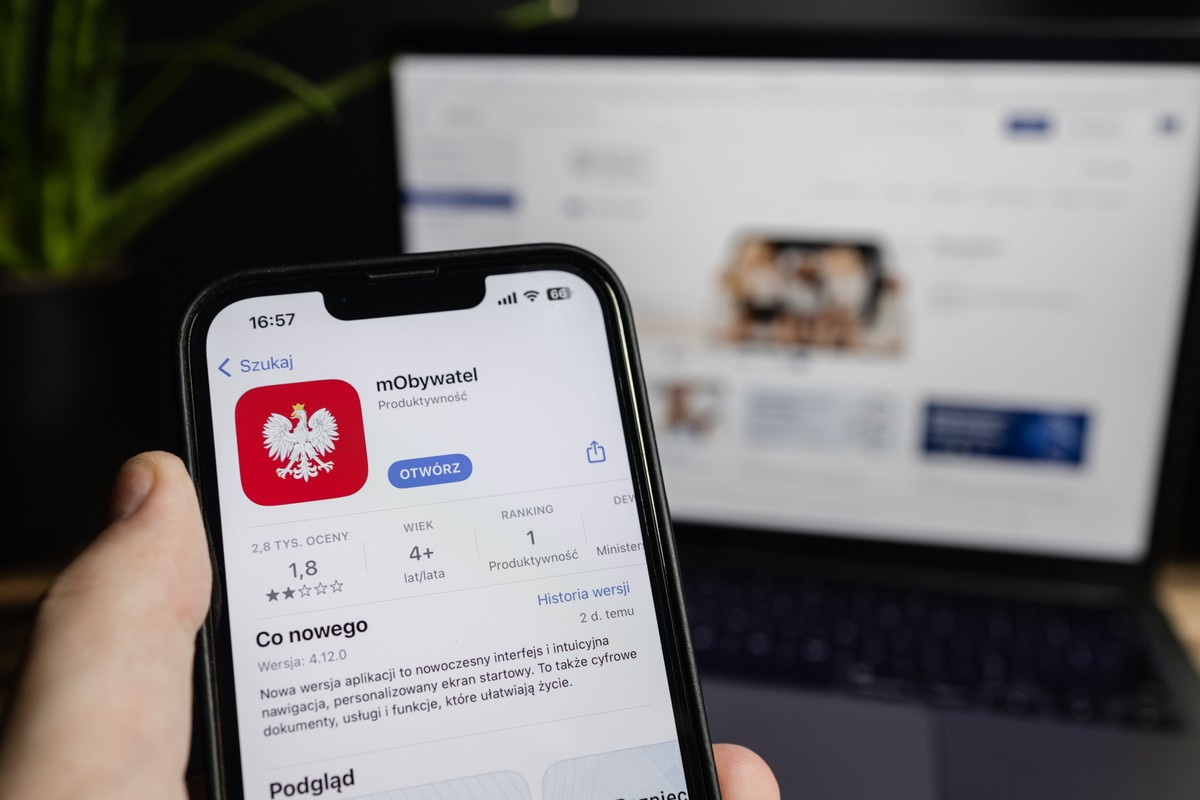
The new feature allows you to take a photo for your ID card directly in the Mobatwat application. The user, according to RP.PL, receives tips on how to properly crop photography, and the tool helps to assess whether it meets the official requirements
Deputy Minister of Digitization Dariusz Standerski explained that this solution will also be useful to check the previously prepared file if someone wants to add a ready photo to the application. He emphasized that the goal is to reduce the risk of rejecting photography by the office.
How to take a photo for your ID card with a smartphone
The Ministry of Digitization informs that when submitting an application for an ID card – both for yourself and for a child or mentee – you can add an electronic photo file or take a photo on a regular basis using a phone.
In both cases, the application offers practical support that helps check that the photo meets the official requirements.
One of the key conditions is a clear, uniform background. The person taking the picture should take care of the right place, for example, set up against the background of the wall. If a ready file is attached to the application, make sure that it meets the criterion.
New tools in the application
In the next stage, the Mobatwol application displays an oval in which the face of the photographed person should be found. Additional lines help to determine the proper position of the eyes.
When the user takes a photo with a smartphone, the oval turns green, if the face is set correctly – it is a signal that you can take the right photograph for proof.
If you add a ready file, just match the photo to the auxiliary lines visible in the preview. Then the application analyzes the file for compliance with the requirements. If the photograph does not meet specific criteria, the user will receive tips on how to improve it. The indicated errors should be corrected by taking a new photo or choosing another file. It is worth remembering that the application does not check the background of the photo – the user is responsible for its compliance with the guidelines.
Additional formalities for photos in glasses and headgear
If a person in the photo has dark glasses or a headgear, it is necessary to attach an additional document entitling to use such photography. In such a situation, you should add a file with a disability certificate or a certificate of belonging to a religious community.
The final verification of the photo takes place at the office, and the decision to accept it is made by an official. The new tool in the MOBKitan application is designed to support users and reduce the risk of rejecting the application due to incorrect photography. The Ministry of Digitization ensures that the application does not process or record biometric data based on a photo – its purpose is only to facilitate the adaptation of photographs to official requirements.
Other facilities in the mobile
The department of digitization reminds that the MOBIAT citizen application not only allows you to submit applications for an ID card for yourself, a child or a mentee, but also suspension of a document for 14 days and reversing the suspension.
Thanks to the “Receipt of Evidence” service, users can check at what stage the document production is and whether it is ready for collection.