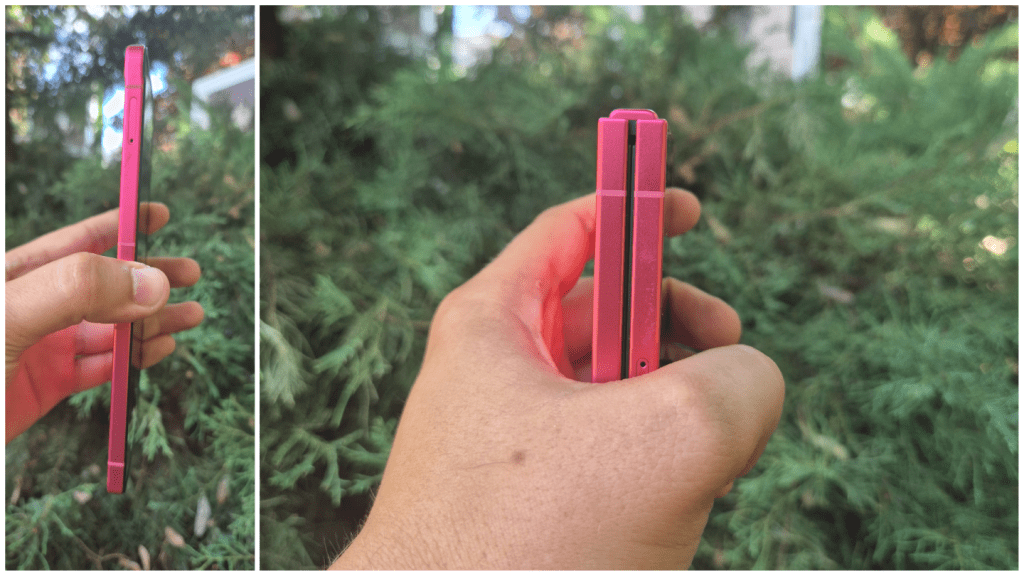
Usually a phone review should start with specifications. But this time, the first thing I did with Galaxy Z Flip7 was to fold and put it in my pants pocket. It has 188 grams and only 13.7 mm thick. This means it's the first “big” phone that doesn't really feel big. And I say big because unpleasant is with a whole finger taller than my S24.
In your pocket I do not feel difficult, in your hand it is not fragile, and the redesigned Armor hinge seems solid, so you do not have the feeling that you have to treat it with gloves, like other folds.
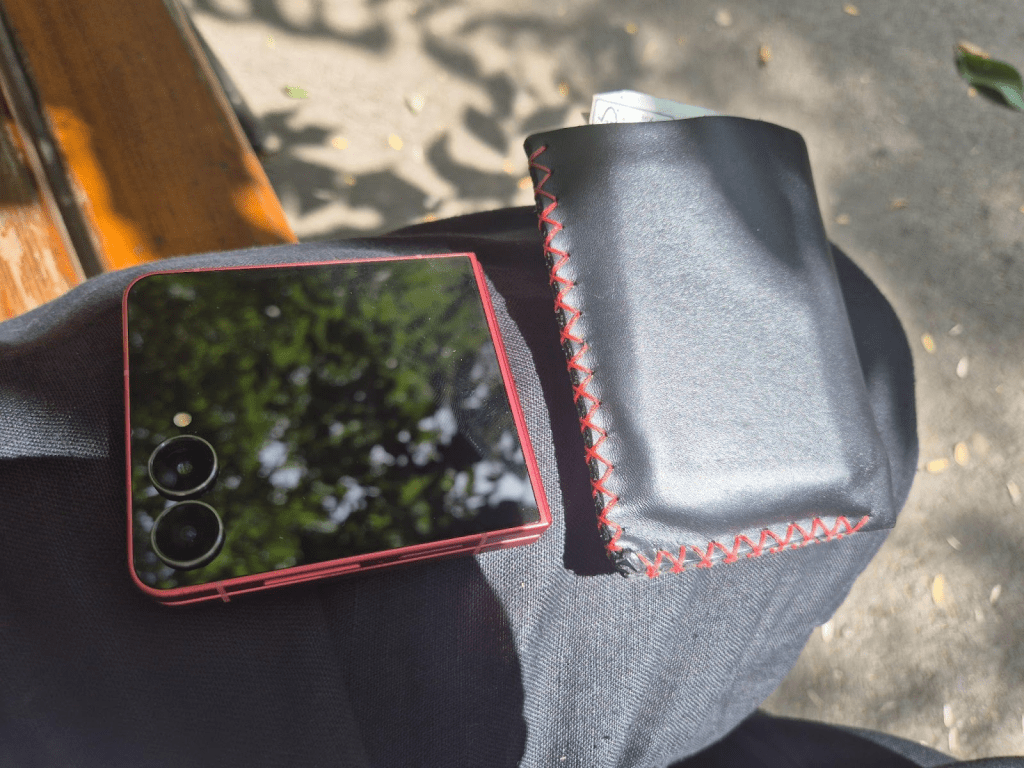
Galaxy Z Flip7 is the phone that has managed to combine two worlds: the portability of a compact device and the power of a flagship. And I do not joke when I say flagship: Under the housing you will find a state -of -the -art Snapdragon 8 Gen 4 for Galaxy, 12 GB RAM and up to 512 GB internal storage.
I used it as a mirror, as Personal Planner, as a smartwatch and to follow notifications as I look at other things on the monitor. It's not just about design or foldable hype, Z Flip7 is a model that really puts something on the table.
The front screen is the show's star
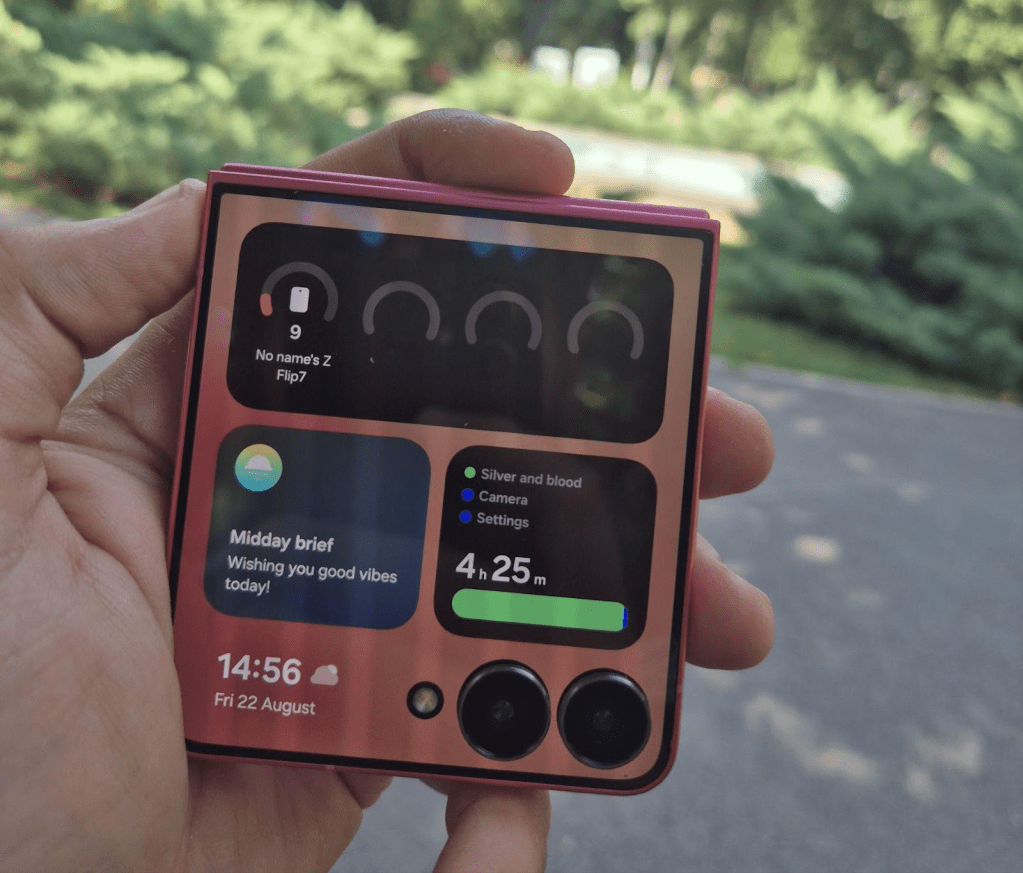
I did the first test even with the folded phone. The 4.1 -inch Frontalde screen shows your notifications completely and allows you to respond directly to messages or emails. I received a WhatsApp and, without opening the phone, I quickly typed the answer on the front screen. The interface runs at 120Hz and reacts instantly, as on a classic flagship.
You can customize it with widgets as if it is a smartwatch, to have all kinds of details, from data related to financial information. I liked to be able to explore everything I need.
If you have ever told you “what I would like to selfie with the camera behind the phone”, now you can.
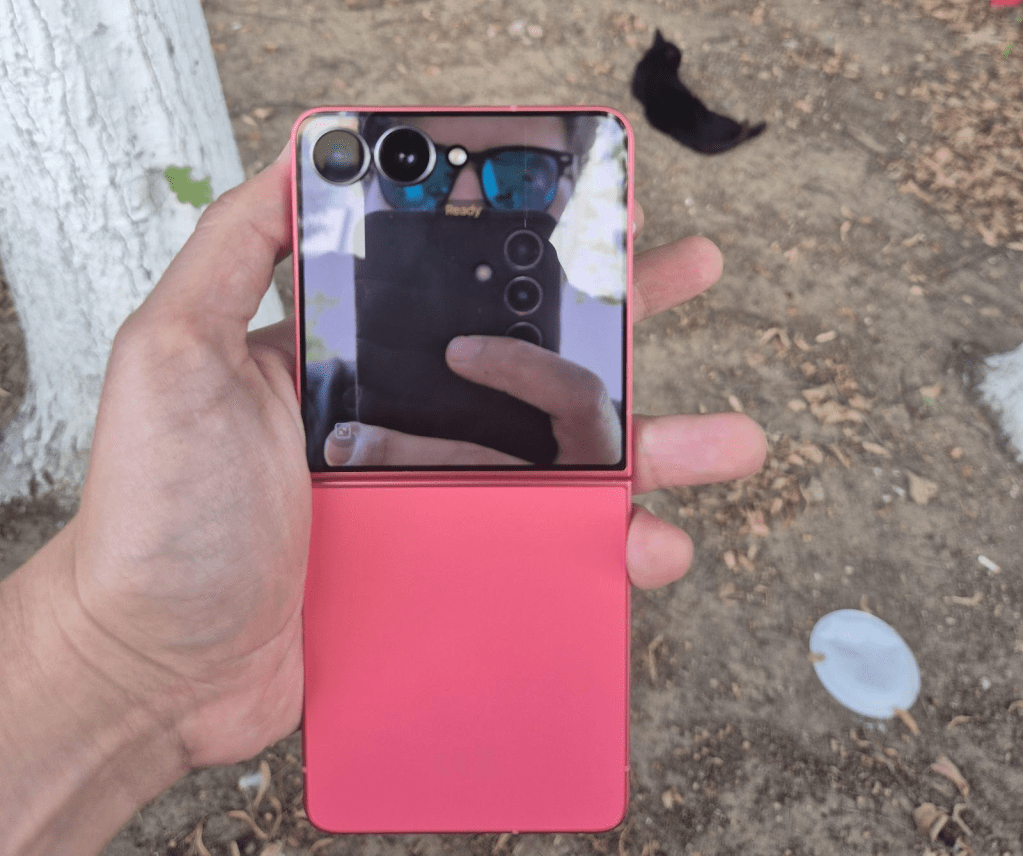
At the room side for selfie, the front screen does all the difference. I made a quick selfie using Dual Preview: I saw the result on the mini-life, in real time, before pressing the button. The 50 MP main camera turns the selfie into a professional portrait, without compromises of a regular front camera. You also have all the depth elements of the image you lose on other phones when using the front camera.
And the good part is that your friends or friends can no longer complain that you are taking pictures that are not good, because also through Dual Preview I see what they look like in the picture you do, on Cover Screen. That will save many guaranteed relationships. Only I was reproached in about three that I take bad pictures.
Real productivity, not just entertainment
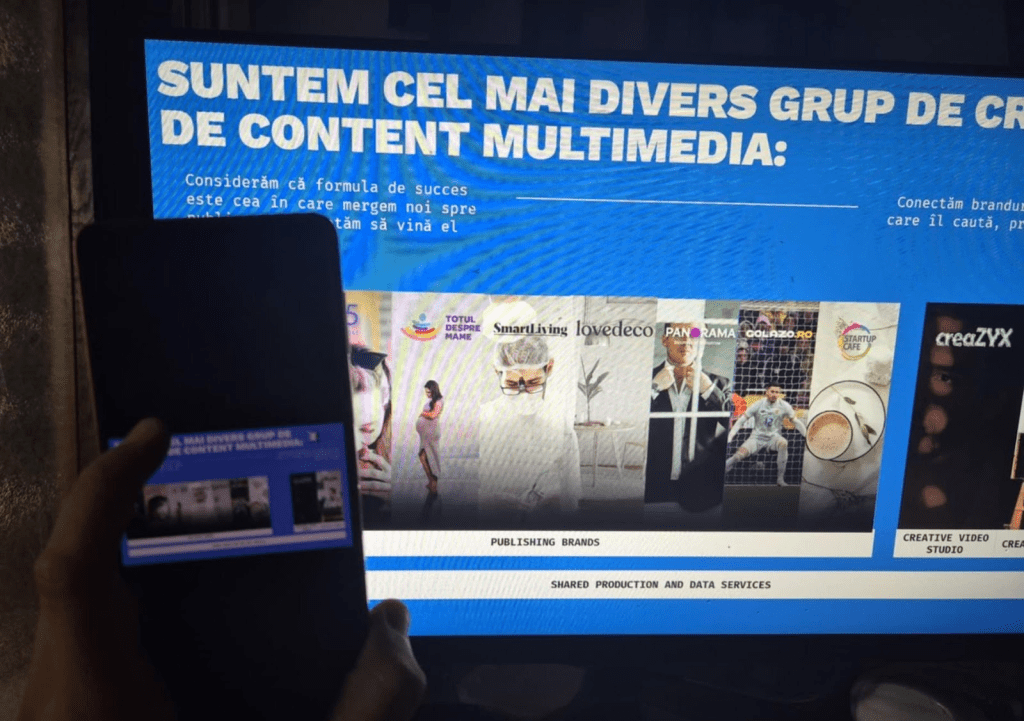
A detail I liked, as a man who does not have a tablet, is that I was able to test for the first time Samsung Dex, who also works on Z Flip7. Samsung Dex is a feature included on Samsung high-end phones and tablets that allow you to use your device as a PC when connecting it to a monitor, TV or laptop. Basically, the phone interface turns into a complete desktop, with windows, tasks bar and the possibility to run Android applications in a computer-like way.
I connected the phone to the office monitor and, without a laptop, I was able to design a PowerPoint presentation there, even though on a small delay of a fraction of a second, that my net went home. The next time I keep presentation in front of customers I no longer care that no one finds HDMI cable.
Planning with AI, while you do something else
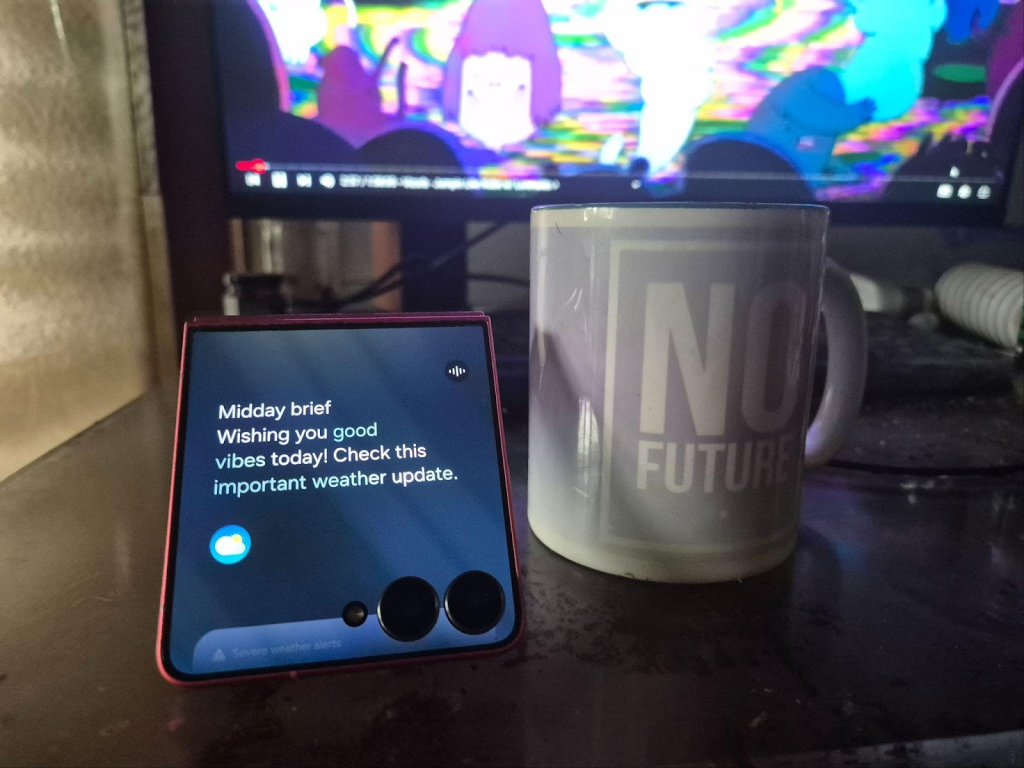
The frontal front, the new live bar updates are always at hand. I made a capture with now bar displaying weather notifications as I looked at the clips on YouTube. Basically, it's a permanent dashboard you see, without wasting time. And if you enter now brief, you receive a live summary of the day with alerts and recommendations generated by AI, as a personalized feed that is constantly updated. And honestly it is much more convenient to put it on the table in this folded position, than to pick up the phone to check notifications. Basically you see them immediately with the tail of the eye.
Zoom slider on video
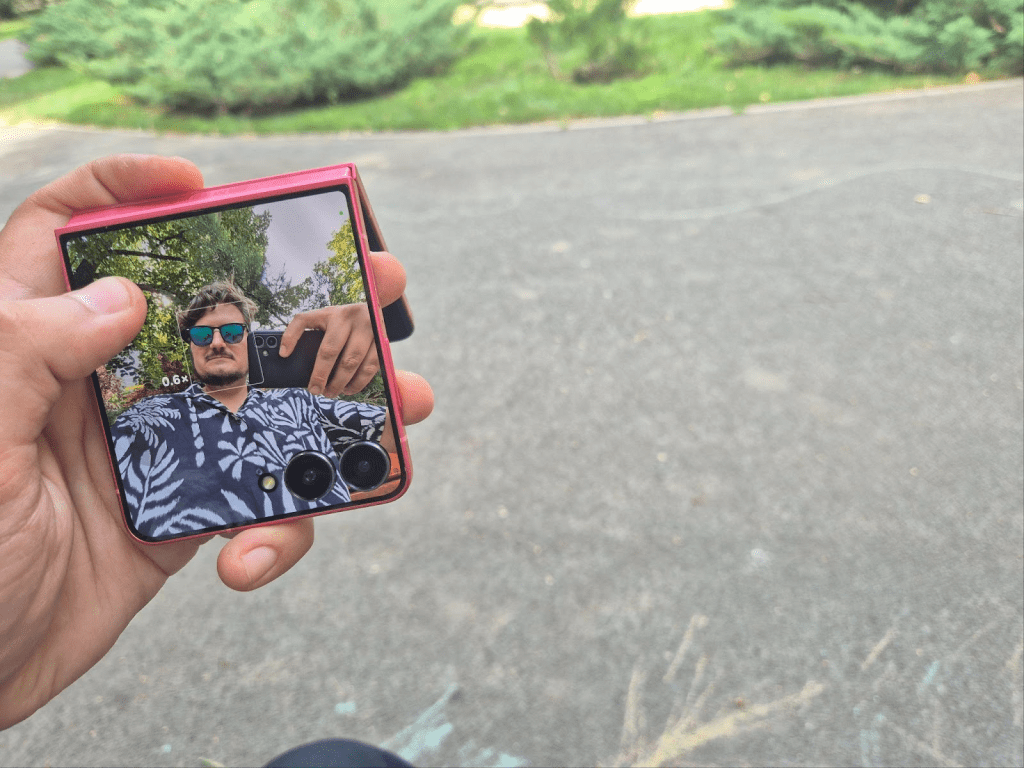
When filming, the zoom slider is a real upgrade, which I didn't know I needed. I admit that I have always detected the system that is on all the phones now in which you say you are pinching the screen to make a zoom. Here you have directly on the frontal screen controller that allows you to make smooth transitions between Wide and Zoom Sarking up-Jos. I tested at a clip filmed in the park and the result was much more fluid, without sack or moving frames.
Autonomy that really holds
In general, a problem I have encountered at other folding phones that he does not cope with the battery for so many screens. On Z Flip7, the 4300 mah really make the difference. I got a working day with emails, browsing, a few video calls and pictures, plus youtube playback, and I still had over 20% battery. Samsung promises up to 31 hours of video playback. I didn't do a marathon, but after my experience a normal day is realistic.
Galaxy Z Flip7 is not just a phone that looks good when you fold it (although I am not ashamed to say that here you really feel the beauty of the phone as a strong point). It is a complete device, with flagship power, real autonomy and you have useful, not just show. The biggest change is felt in the daily interaction: the fact that you no longer open the phone for any notification, that you can work on the monitor without a laptop, that you can make professional selfies without complicating yourself. In a word, it is the first flip that really makes room in your daily life, not just in your pocket.
Article made in partnership with Samsung