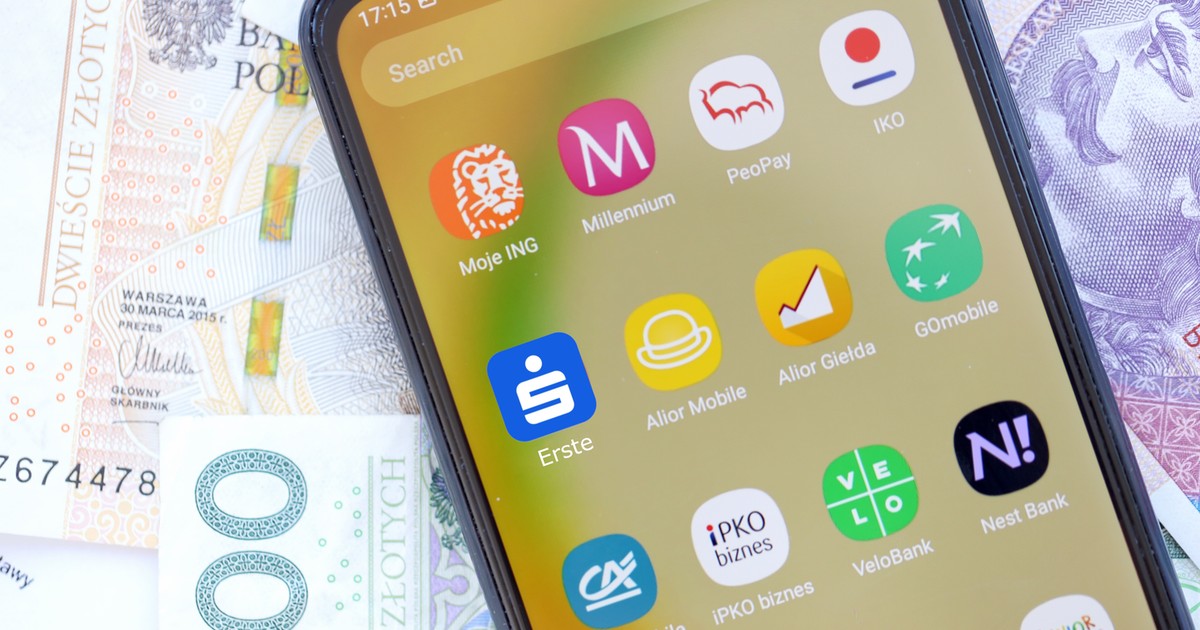
The tools that individual banks make available to their customers inside the application naturally differ quite significantly. However, some functions are already a widely accepted standard and even if some institutions have not yet implemented them – it should only be a matter of time.
Financial reports and analyses
We start with the most useful functionality, but at the same time… the least common. Of the four applications we tested for this piece, it only appeared in two, of which only one could be called truly “complex.” Of course These are still relatively simple statistics, but they provide good insight into how much we spend and on what. It is worth checking whether something similar exists in your bank's application and, if so, in what form. Carefully checking what we spend on a monthly or any other period is the best way to make us aware of the areas in which we can make some savings.
This is particularly useful in those categories of expenses that can be considered “minor”. If we regularly spend small amounts on something, say up to PLN 50 or PLN 100, It's easy to lose control over how much it costs us in total.
Below we present what it looks like and how it works in the case of sample applications that have such summaries.
In the case of the Pekao bank application, i.e. PeoPay, advanced summary and reports on our expenses are already placed on the main screen, but we can also access them from the “History” level. The option that interests us in this case is “Financial analysis”.
After clicking on this option, we are taken to a screen summarizing the last 6 months by default (the range can be changed) all our revenues and expenses. The basic view contains data from all categories, but by using filtering we can check which specific category our expenses are highest. Importantly, individual categories – in the PeoPay version – can be further broken down into smaller types of expenses and more check with greater precision what percentage of our budget they absorb.
Analysis of expenditure history, but in a slightly different form, can also be found, among others: in the mBank application. Here we can also see which expenses need to be limited. The appropriate option can be found in the “Finance” and “History analysis” tabs. We will then see it in the application view both annual charts and a numerical summary, along with division into categories and their percentage share in the total. Although there are no very detailed filters, in the “Summary” section you will also find useful, summed amounts accumulated in various savings instruments and existing liabilities.
Similar solutions in other applications should be looked for in the sections devoted to finance and expenses. Their nomenclature may differ, but the functionality comes down to one and the same – Thanks to a better overview of total expenses, it is easier to eliminate those purchasing categories that excessively burden the budgetescaping our attention in our daily rush.
Automatic classification and filtering of expense history
The above convenience is directly related to the fact that it is becoming more and more common in applications automatic allocation of expenses to categories. Even if a banking application does not offer advanced financial reports with summaries, it should allow you to view individual transactions classified as e.g. “daily expenses” in the history. In the case of the Erste (formerly Santander) application, the division is as shown in the image below.
Regardless of the nomenclature and scope available in our application, such a presentation of recent expenses requires manual counting, but also allows us to see from a broader perspective how much we actually spend on food, bills or issues related to children.
Transaction recognition, which then allows the expense to be assigned to a category, is based on several factors. The most important one is, of course, invisible to an ordinary customer MCC code, assigned to each terminal. It is assigned at the stage of installation and determines the type of activity of the store that uses the terminal. It may be a gas station, a grocery store or, for example, a restaurant. Other parameters taken into account are the name of the transaction/seller, amount, frequency (e.g. for fees classified as subscription) and location.
In some banks, it is possible to edit the expense category if it has been assigned incorrectly. This is an important option that allows you to better control your purchases in specific areas.
Setting savings goals
Selected banks also allow you to automatically save and deposit funds from your account. Transferring them to a separate savings account (or called it in a similar way) may make it easier to manage the household budget if we are preparing to make a major purchase. The procedure may, of course, vary depending on the bank, but it can be set up from the application level, and using it is often associated with real profits – such an account may have additional interest, allowing the funds deposited there to “work”.. What is also important – withdrawals from such an account are often subject to an additional commission beyond one or several first withdrawals. The bank, of course, makes money from this, but it may also be a discouraging factor for the user so that they do not reach for withdrawals every time they feel like it.
In the mBank application, the appropriate item can be found in the “Products” and “Savings” sections. There, in the “My goals” section, we will submit the appropriate application and determine the amount automatically transferred to savings. Similar options do not always appear in other banks, but it is worth checking in options with a similar name.
Transaction limits
Finally – if we are unable to properly and independently control our expenses despite the summaries and data available in the application, it is worth reaching for extreme solutions… but if we want to better control and limit expenses, they are probably the most effective. Of course, we are talking about transaction limits, which can be changed from virtually any banking application. Depending on the bank we use, the options available to us may vary. In the case of BNP Paribas, we can set daily transaction limits, both for cash and online and telephone purchases.
Erste, in turn, allows you to set separate limits for ATM withdrawals, online payments (including BLIK) and in-store payments. The latter may be particularly useful if we have trouble tracking expenses while shopping. In this way, we can set not only the amount limit, but also, for example, the limit on the number of payments.