Lifehack for iPhone owners. Turn off these 5 features to protect personal data …

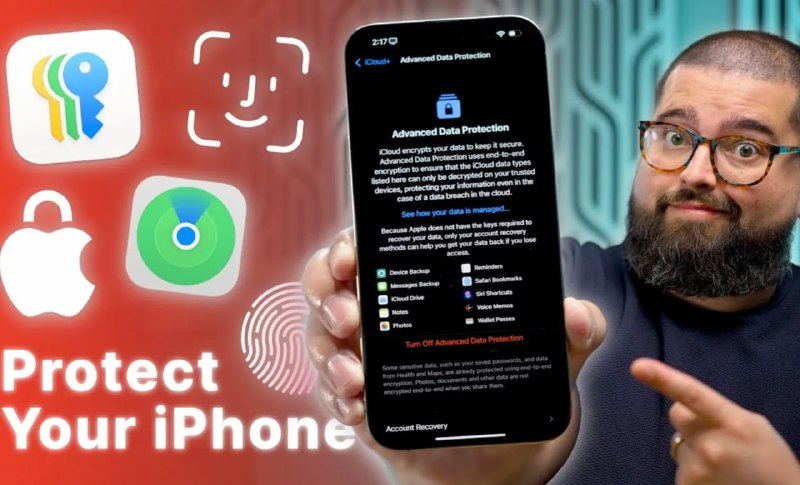
Tom's Guide experts told how to prevent Infa leakage 👇
▪️Wi-Fi auto.
If the function is on, The smartphone can connect to a fake Wi-Fi access point, tuned so as to give yourself a network.
How to turn off: Settings> Wi-Fi> Automatic connection> Change “request” to “Disable”.
▪️Definition of geolocation.
There are applications that need a geolocation such as a map or taxi but This data should not be provided to each APCA.
What to do: Settings> Privacy and Security> Location Settings> Select the application and level of access to the location.
▪️Tracking applications.
Enables users to see, What applications are tracking them and what data they have access. When the feature is switched off, all new tracking requests are rejected.
How to turn off: Settings> Privacy and Security> Tracking> Disable “Allow the Appendices to Prompt Tracking”.
▪️Personalized advertising.
Allows applications collect data on the interests and habits of the user while viewing pages, to show targeted advertising. Disabling limits Apple's ability to show you target advertising.
What to do: Settings> Privacy and Security> Apple Advertising> Disable PR at the bottom of the screen.
▪️Bluetooth.
Many applications asking Bluetooth permission, do not really need it – For example, CVS or Facebook. Given the number of data problems, it is not necessary to share unnecessarily.
How to turn off: Settings> Privacy and Security> Bluetooth> View what apps have Bluetooth permits and then turn on or off.
DUST⚡️Ukraine | Send the news